ALS
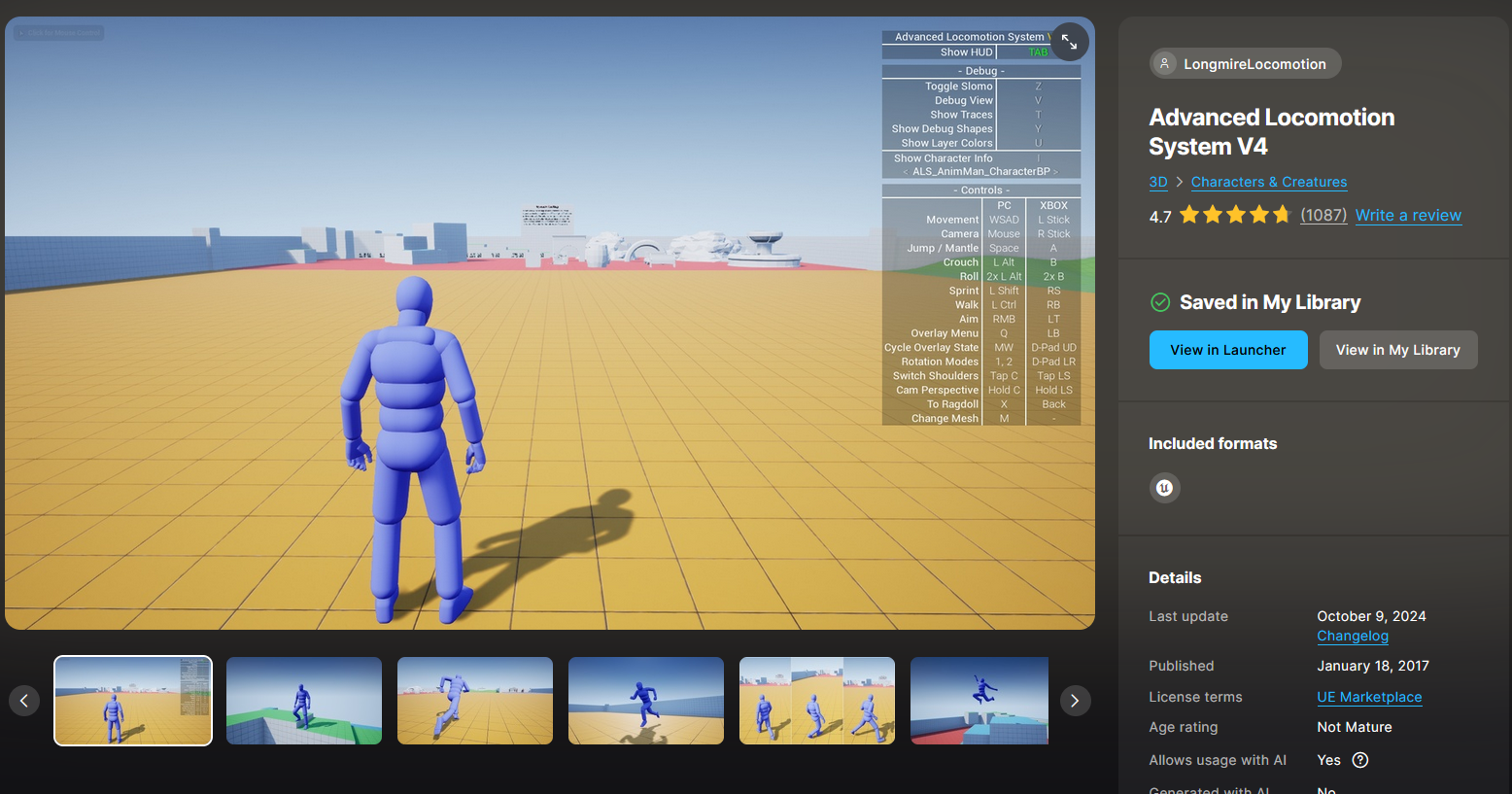
ALS (Advanced Locomotion System) is a free, open-source locomotion framework for Unreal Engine, originally created by Longmire Locomotion.
It provides a highly polished, production-quality character movement system that handles the complex blending and state logic that’s typically painful to build from scratch. Key features include:
- 8-directional movement with smooth blending between walk, run, sprint
- Stances — standing and crouching, with transitions
- Overlay states — allows layering different upper-body poses (holding a rifle, pistol, bow, etc.) on top of the base locomotion
- Aim offset & IK — foot IK, hand IK, look-at
- Ragdoll & getting-up system
- Camera system — third-person with shoulder swap
- Mantling / vaulting (ability to climb or vault over obstacles like walls, railings, and boxes)
- In-air states with fall blending
| Version | Notes |
|---|---|
| ALS v4 (Last update: October 9, 2024) | The classic Blueprint-only version |
| ALS-Refactored | Community-maintained C++ rewrites with extra features |
ALS Refactored Structure Guided reference for how the ALS-Refactored plugin is organized and how its main gameplay flow works.
1. Install ALS Install and verify ALS-Refactored in an Unreal Engine 5.7 project before moving on to character integration.
2. Character Setup Duplicate the ALS sample character, retarget it to a custom mesh, and make it playable with the sample ALS game mode.
3. Weapons Alignment (Rifle) Align ALS overlay weapons to a custom character, then add left-hand IK so the support hand grips the weapon correctly.
4. Weapons Alignment (Pistol, Bow, Torch, etc) Align the remaining ALS overlay objects for a custom character, including pistol, bow, torch, box, barrel, and binoculars.